

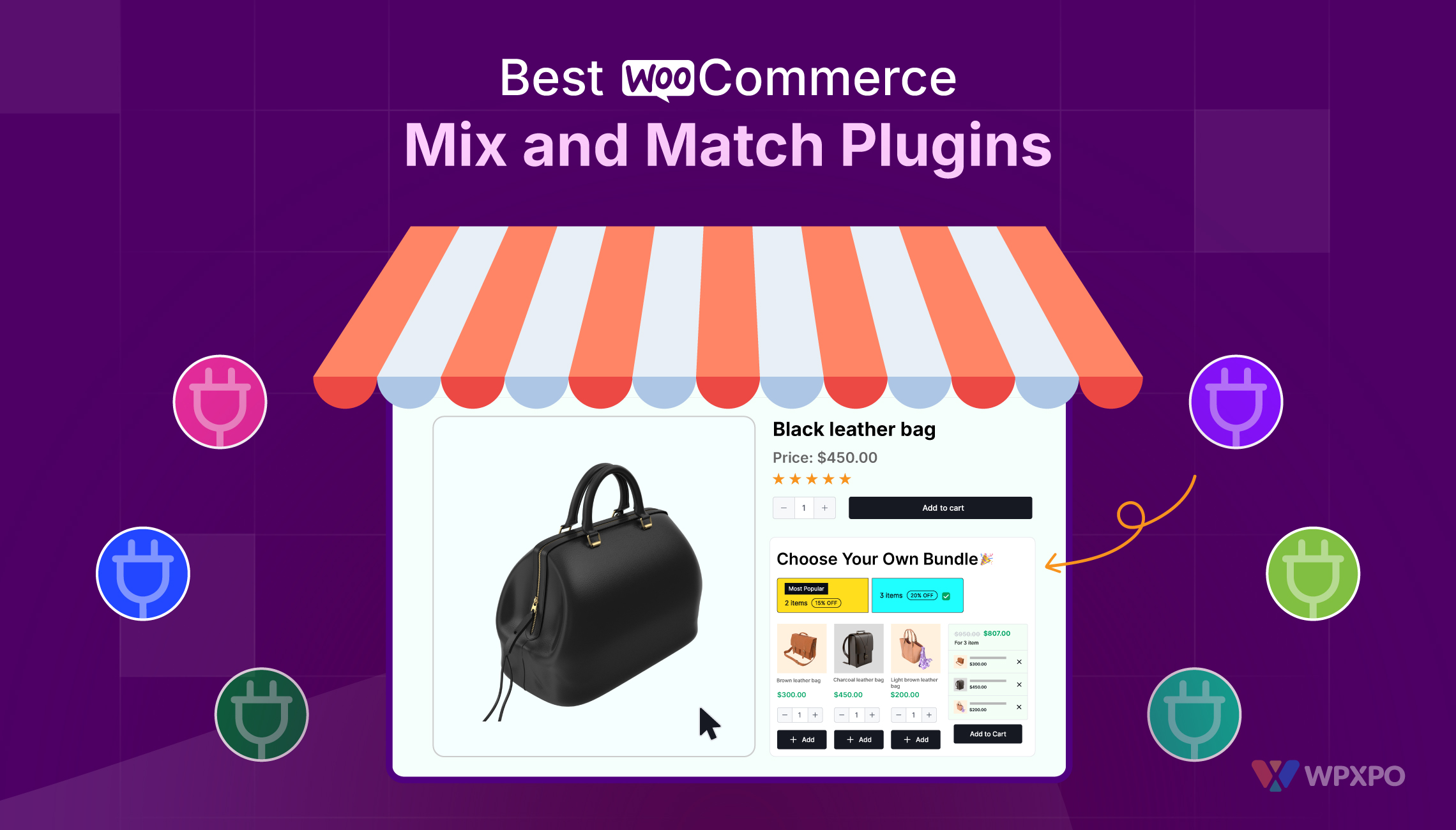
Online shopping has slowly moved away from the “one product at a time” style. Customers today enjoy creating their own combinations, whether it’s a snack bundle, a skincare kit, or a gift box filled with their favorite items. When a store allows buyers to mix different products together and build something that feels personal, the shopping experience becomes much more interactive.
What you need is a mix and match products WooCommerce plugin for this exact scenario. Instead of offering static bundles that every customer receives in the same format, store owners can allow buyers to select items they actually want. The result is a product box that feels customized, and customers are far more likely to purchase when they have control over what goes inside.
WooCommerce itself doesn’t provide this capability out of the box. Store owners typically rely on plugins that introduce WooCommerce custom product boxes, giving shoppers the freedom to build their own bundles while the store owner keeps control over pricing, quantities, and product selection.
To help store owners choose the right plugin, we looked at several popular solutions and compiled a list of the best mix and match plugins currently available.
Why Mix and Match Product Boxes Work So Well
Before jumping into the plugin list, it’s worth understanding why these product boxes have become so common across online stores.
Allowing customers to build bundles has a number of advantages for both businesses and shoppers.
Higher average order value
Customers naturally add more products when they are building a box. Instead of buying one item, they often include several to complete the bundle.
Better product discovery
When a product box shows a group of related items together, customers are exposed to products they may not have noticed otherwise.
Flexible shopping experience
Everyone has different preferences. Some customers want variety, while others prefer specific products. A customizable box allows both types of shoppers to get exactly what they want.
Improved engagement
Choosing items from a bundle takes a bit of interaction. This keeps customers browsing longer and exploring more products inside the store.
For these reasons, many WooCommerce businesses are now investing in plugins that make mix and match products WooCommerce easier to implement.
Top 5 Mix and Match Plugins for WooCommerce
Below are five reliable plugins that allow store owners to build customizable bundles and WooCommerce custom product boxes.
1. Custom Mix and Match Product Boxes & Bundles for WooCommerce by Extendons
The WooCommerce Custom Product Boxes plugin by Extendons is designed specifically for creating customizable product boxes that customers can fill with items of their choice. It focuses on flexibility, allowing store owners to control how bundles behave while still keeping the interface simple for customers.
Instead of selling fixed bundles, this plugin allows shoppers to create their own combinations from a selected group of products. Store owners can define limits, pricing rules, and display layouts so the selection process stays organized.
Key features include:
• Create customizable product boxes with selected items
• Allow checkout with partially filled boxes
• Set minimum and maximum product quantities
• Support simple and variable products inside bundles
• Add personalized messages to gift boxes
• Display products in list or grid layouts
• Highlight featured items within the box
The plugin also allows store owners to prefill boxes with recommended items while still letting customers swap them if they prefer something else. This makes it easier for shoppers to build gift boxes, snack kits, or curated bundles.
For businesses looking to introduce WooCommerce custom product boxes without complex configuration, this plugin provides a practical starting point.
2. Product Bundles for WooCommerce
Product Bundles is another well-known plugin used by many WooCommerce stores. It allows store owners to group multiple products together and offer them as a bundle.
While it was originally built for fixed product kits, it also supports customizable selections in certain configurations.
Key features include:
• Create product kits and bundled packages
• Apply discounts to individual items or entire bundles
• Track inventory for each item inside the bundle
• Flexible pricing structures
• Shipping options for bundled products
Product Bundles works well for stores selling pre-assembled kits, subscription starter packs, or multi-item deals. However, customization options are slightly more limited compared to plugins specifically designed for mix and match products WooCommerce.
3. Composite Products
Composite Products is another plugin that allows customers to assemble complex product kits step by step. Instead of simply choosing items from a list, customers go through a guided selection process where they choose different components of a product.
This structure works particularly well for products that require configuration, such as electronics, furniture sets, or customizable packages.
Key features include:
• Guided product configuration process
• Flexible product grouping
• Compatibility with both digital and physical products
• Conditional selection logic
• Advanced layout presentation
While the plugin is powerful, it can feel slightly complex during setup, especially for store owners who only want to create simple WooCommerce custom product boxes.
4. WISDM Custom Product Bundles
Developed by WisdmLabs, this plugin focuses on helping store owners create visually organized product bundles that customers can personalize.
The plugin offers several layout controls and allows customers to filter products while building their bundle, which can make the selection process easier when many items are available.
Key features include:
• Create custom bundles with selectable items
• Quantity selection for each product
• Dynamic pricing based on chosen items
• Category-based product filtering
• Pre-configured bundles for faster checkout
WISDM Custom Product Bundles works well for stores that want both predefined bundles and customizable options in the same system.
5. WooCommerce Mix & Match Products
WooCommerce Mix & Match Products is another plugin focused on building customizable product boxes. Customers can select items from a container and fill it with the products they prefer.
This plugin works well for stores selling gift baskets, snack assortments, or product variety packs.
Key features include:
• Create customizable product containers
• Flexible per-item or per-box pricing
• Shipping options for bundles
• Responsive product selection layout
• Compatibility with most WooCommerce themes
While the plugin handles mix and match products WooCommerce fairly well, some advanced customization features are limited compared to more specialized plugins.
Picking the Right Mix and Match Plugin
Selecting the right plugin depends largely on the type of bundles you want to offer.
Some stores only need simple product kits, while others want customers to build detailed bundles with full control over product selection.
When evaluating a plugin, consider the following:
Customization flexibility
Look for plugins that allow customers to select products freely while still letting store owners control limits and quantities.
Pricing control
A good plugin should support fixed pricing, per-item pricing, or hybrid models depending on your store’s strategy.
Product compatibility
Make sure the plugin works with both simple and variable products so customers can choose variations like size or flavor.
User experience
The bundle interface should be easy to navigate. Customers should understand how to add items and see how their box is filling up.
The Right Way to Use Product Boxes in Your Store
Adding WooCommerce custom product boxes to your store is only the first step. To get the best results, it’s important to design your bundles strategically.
Choose products that work well together
Bundles should feel natural. For example, coffee products pair well with mugs, snacks, or brewing accessories.
Use strong product images
Customers rely heavily on visuals when selecting items inside a bundle. Clear images help them make decisions faster.
Set reasonable limits
Avoid overwhelming customers with too many choices. Limiting the number of products in a box often makes the selection process easier.
Promote bundles on key pages
Highlight customizable boxes on the homepage, category pages, and product listings so customers notice them quickly.
Final Thoughts
Customizable product bundles have become one of the most engaging ways to sell products online. When customers can create their own combinations, the buying process feels more personal and interactive.
Plugins that enable mix and match products WooCommerce allow store owners to introduce this functionality without complicated development work. From snack assortments to curated gift boxes, these plugins make it possible to offer flexible shopping experiences.
In this guide, we explored five reliable plugins that help build WooCommerce custom product boxes, including:
• Extendons Mix and Match Product Boxes
• Product Bundles for WooCommerce
• Composite Products
• WISDM Custom Product Bundles
• WooCommerce Mix & Match Products
Each plugin offers a slightly different approach to bundle creation, so the best choice depends on the type of experience you want to provide for your customers.
When implemented correctly, customizable product boxes can encourage customers to explore more products, spend more time on your store, and ultimately place larger orders.
